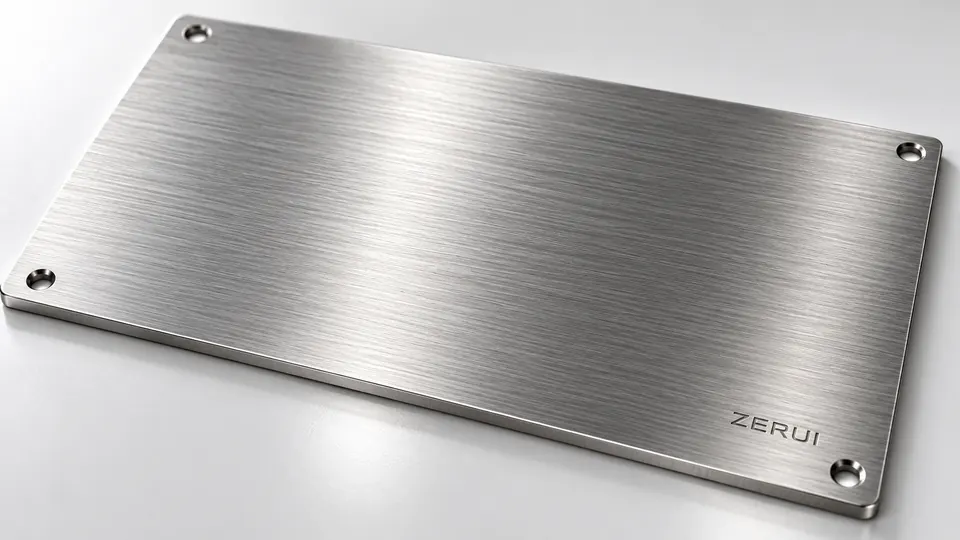
BrushedDirectional grain
Fine aligned lines create directional highlights that move with the viewing angle.
- Design direction
- Equipment branding and data plates
- Sample review
- Agree grain direction, texture and graphic contrast.
Filter by product use, material and surface finish to find a reference for your nameplate.
01 / EQUIPMENTA coordinated pair for vehicle data, operating cautions and maintenance information, with copper-toned graphics against black.
02 / EQUIPMENTA structured faceplate for model, power, interface and identification data on measurement and control terminals.
03 / BRANDAn oval profile with metallic colour and red lettering for dedications, donations and place names.
04 / BRANDA clear hierarchy of emblem, name and brushed surface for entrances, display areas and institutional signage.
05 / PANELCombine equipment identification, operating restrictions and safety graphics at the point of use.
06 / EQUIPMENTOrganised fields for power, voltage, current, speed and serial data during installation and servicing.
07 / PRECISIONCompact tags with a fixing hole and graphic identifier for consistent identification across component sets.
08 / BRANDSeparate institution and department information within a coordinated office wayfinding format.
09 / PRECISIONCombine location, system ID and a code to identify the relevant pump, valve or line during inspection.
10 / PRECISIONDense model, serial and instrument information in a compact plate, paired with a small serial tag.
11 / EQUIPMENTA clear specification table on a finely brushed metallic surface.
12 / PRECISIONCoordinate a main equipment plate, an asset barcode and a safety warning.
13 / EQUIPMENTWarm brass with dark specifications and codes in a coordinated set of sizes.
14 / PRECISIONSlim silver-toned tags bring branding, serial data and traceability together.
15 / BRANDA brushed metal surface for a brand, institution name and inscription.
16 / EQUIPMENTBrand colour, brushed metal and a separate mounting backplate for equipment identification.
17 / EQUIPMENTA clear hierarchy for model numbers, technical parameters, serial numbers and traceability.
18 / EQUIPMENTConsistent typography, borders and mounting holes for component identification.
19 / PRECISIONDense specifications, warnings and graphics in a compact format. Artwork determines the final process.
20 / PRECISIONCompact identification text and mounting details for small components.
21 / EQUIPMENTRecessed identification for project names, equipment models and serial numbers.
22 / PANELColour-coded areas, equipment and status information in one readable panel.
23 / PRECISIONCoordinate a main specification plate with smaller operational labels.
24 / EQUIPMENTA circular profile with a structured specification area for equipment mounting.
Reference images illustrate finishing possibilities. Sample brands, values and codes are not endorsements or product certification.
SURFACE COLLECTION / 03
Compare grain and reflection before choosing how the information appears.

Fine aligned lines create directional highlights that move with the viewing angle.

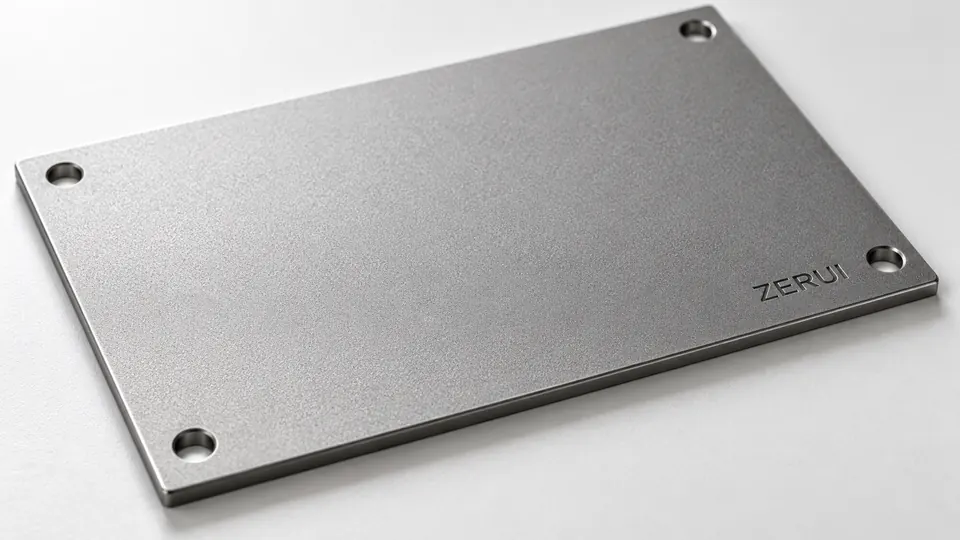
An even texture softens highlights and reduces distracting glare. Several processes can produce a matte appearance.

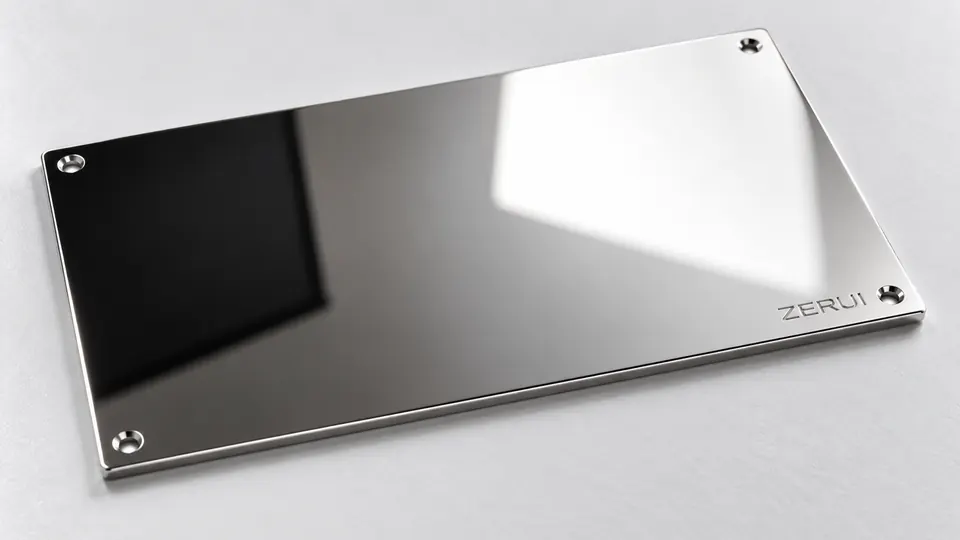
A smooth surface creates bright, defined reflections and emphasises edges, changing with its surroundings.
Confirm texture, gloss and colour with an agreed physical sample.